
Figma & FigJam,
quieter on iPad.
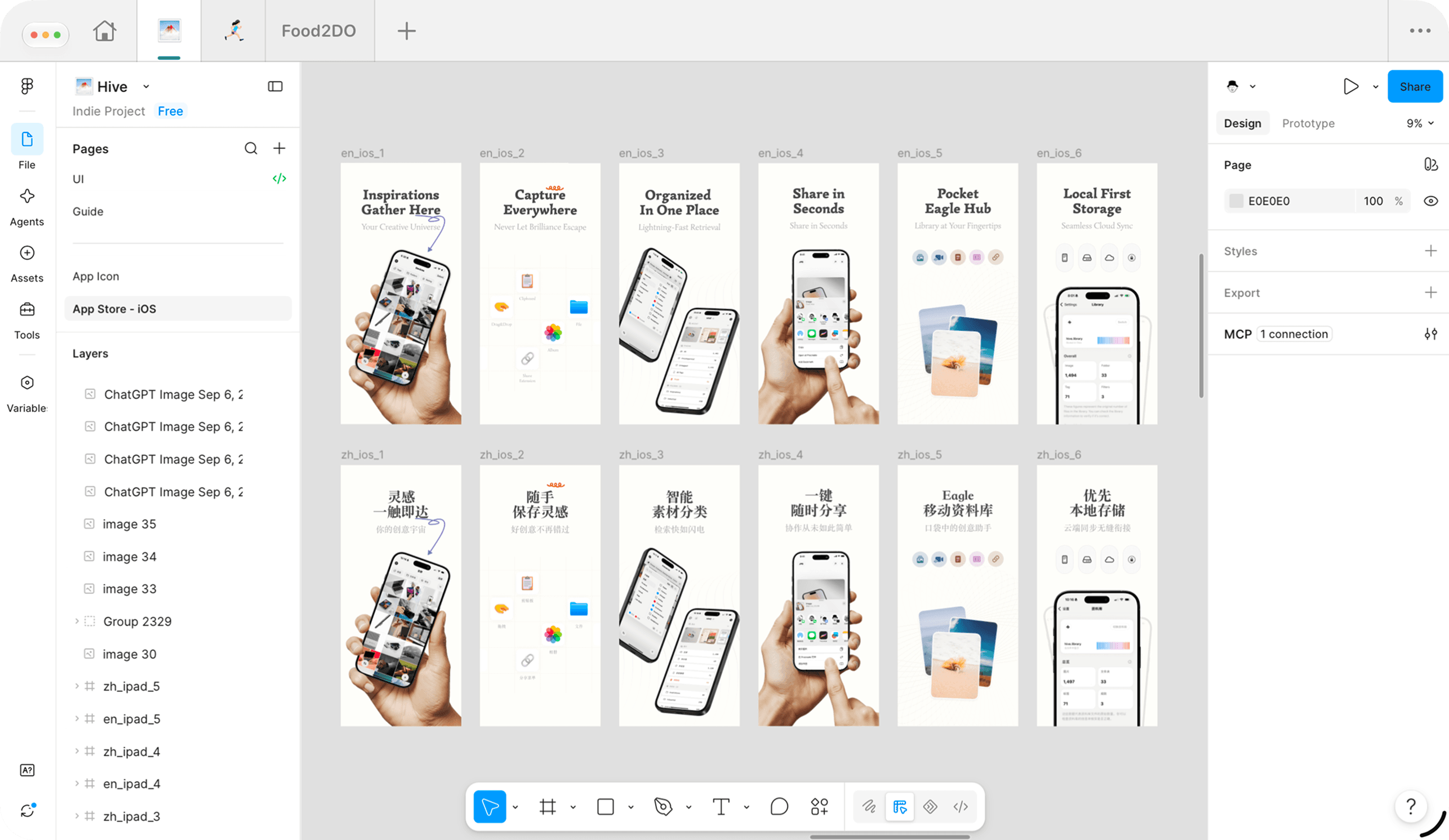
Figgy is a focused browser for the canvas — steadier tabs, Page Zoom, Pencil and trackpad.
Free to start · Designed for iPad
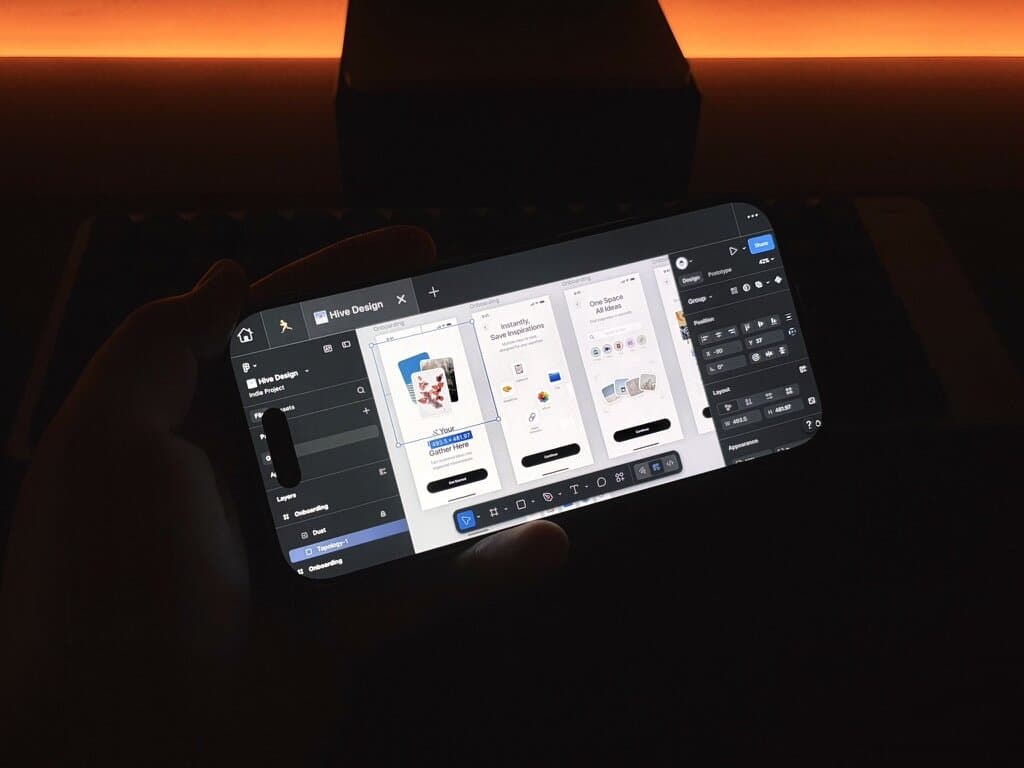
Measure on the go
Option-style dimensions when you need them — phone or desk.
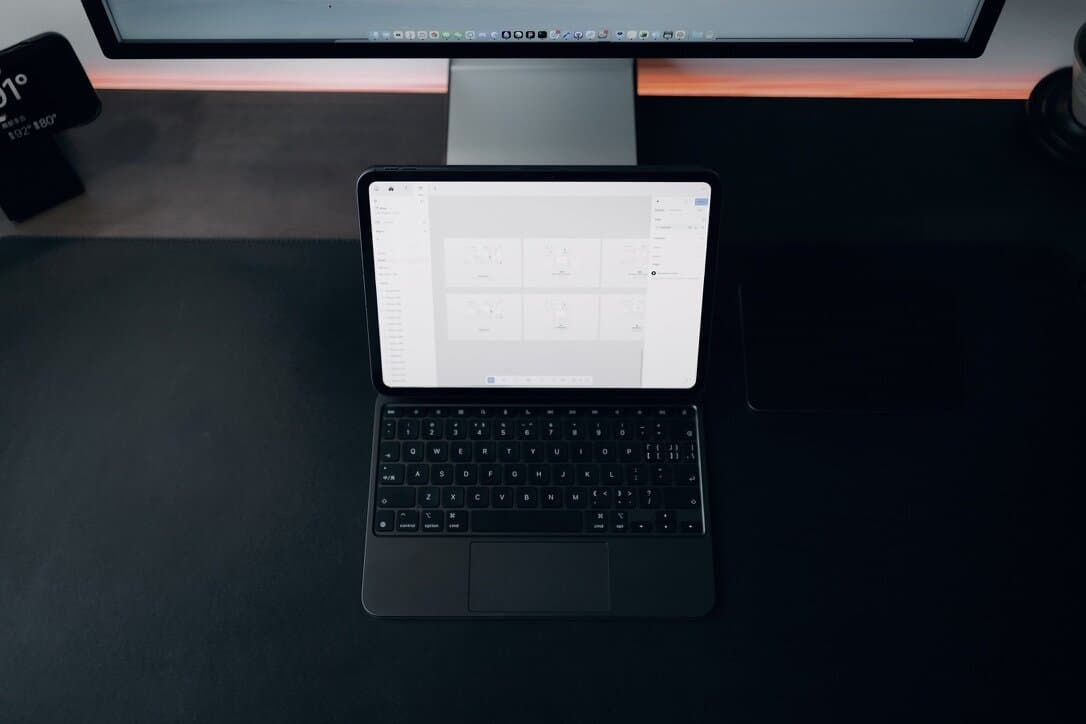
Built around the canvas.
Three things that make Figgy feel like a place to design on iPad.
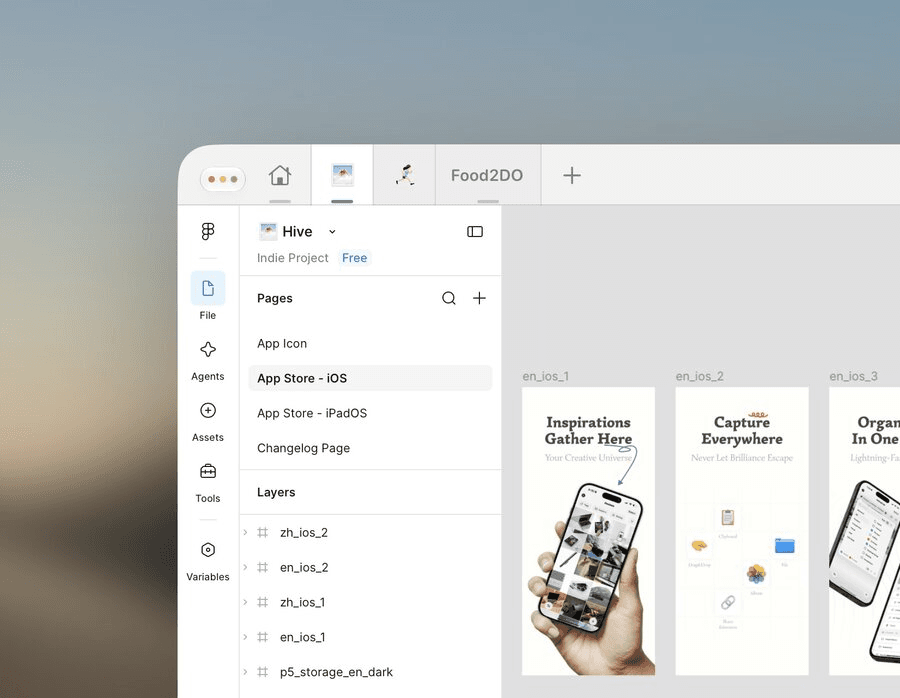
Canvas-first
Stay in Figma and FigJam without Safari clutter.
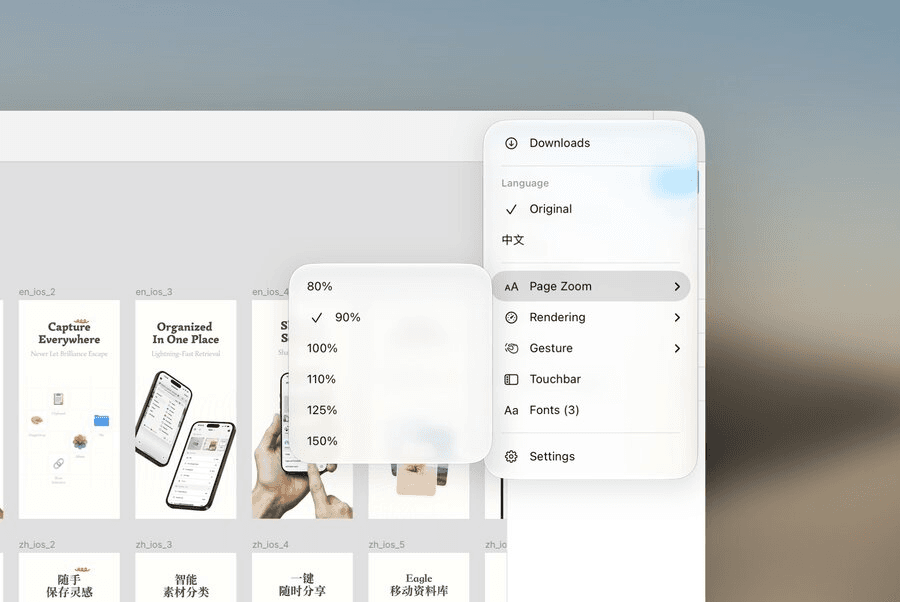
See the UI
Page Zoom for panels, toolbars, and dense files.
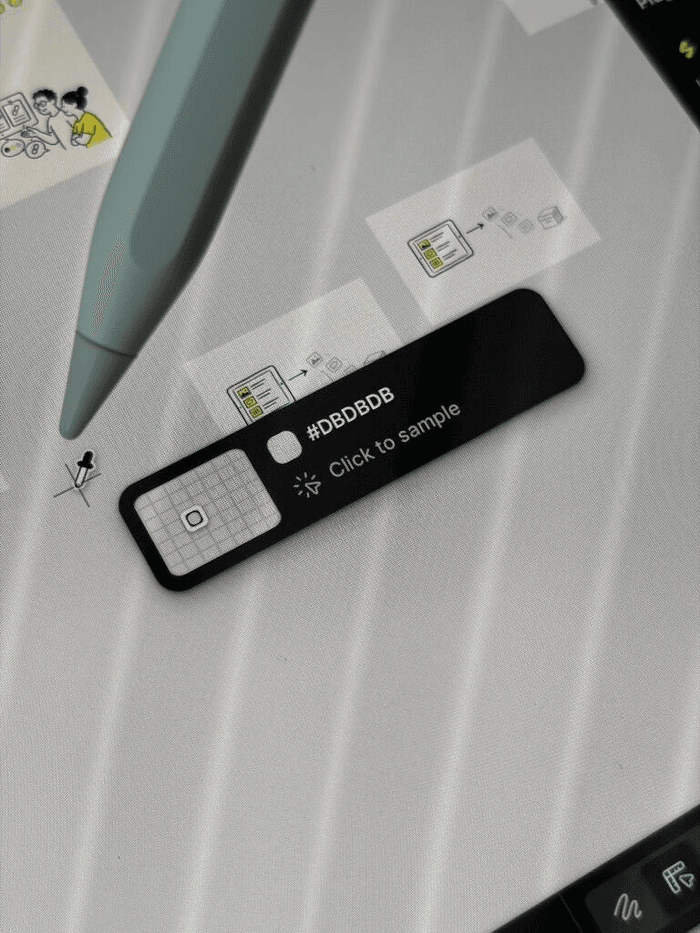
iPad input
Touch, trackpad, and Apple Pencil for the canvas.
The few controls that matter.
A short strip — not a feature dump.
Pinned tabs
Files stay put
Page Zoom
0.8–1.5
Pencil & trackpad
Native feel
Local fonts
On-device
Render profiles
Balanced → Performance